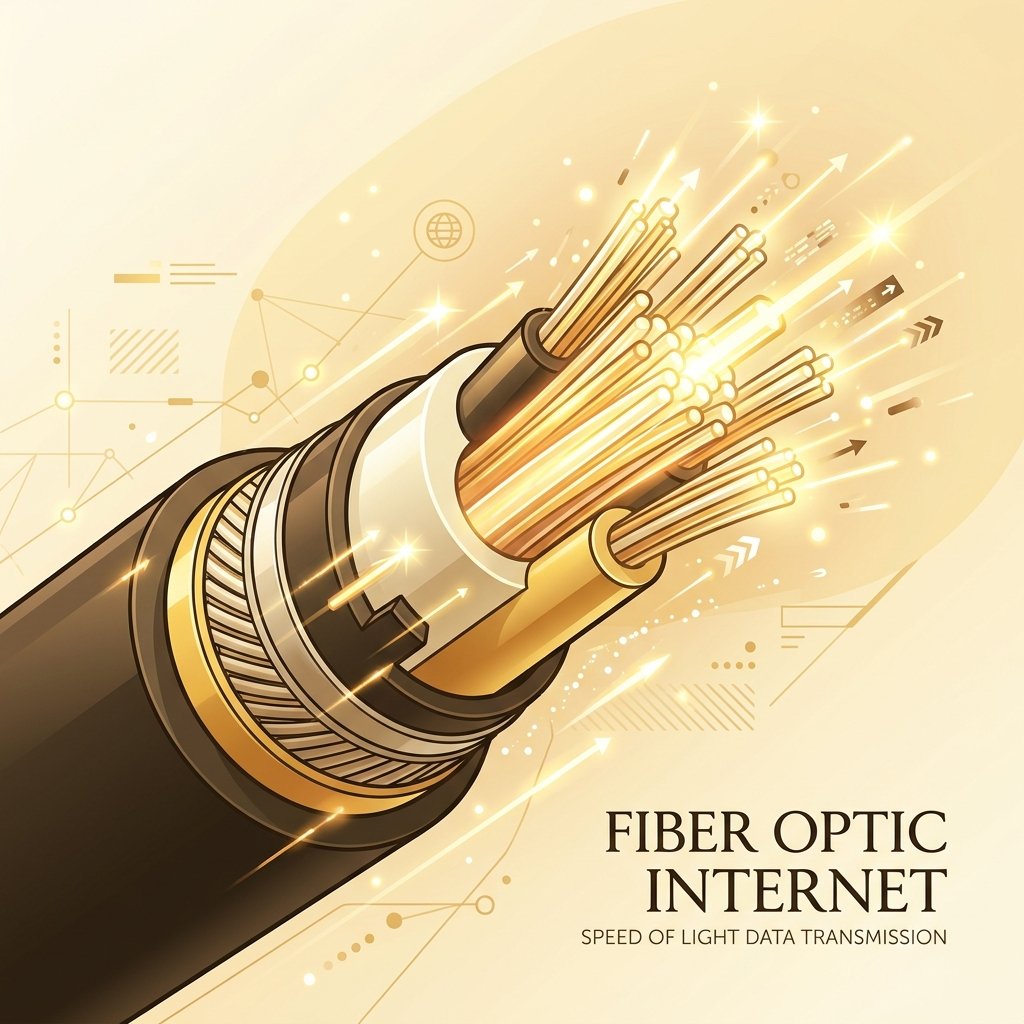
Fiber-optic internet uses glass fibers to transmit data at the speed of light. It represents the highest performance tier available for residential and business connections.
The Science of Fiber Optics: How Light Transmits Data
Fiber-optic technology represents a monumental shift in how digital information is transported across the globe. Unlike traditional copper-based broadband systems that rely on electrical voltages propagated through metallic conductors, fiber optics utilize photons—pulses of light—traveling through ultra-pure strands of glass (silica) or plastic. Each fiber-optic strand consists of two primary concentric layers: the core and the cladding. The core is the innermost pathway through which the light travels, while the cladding is a surrounding layer of glass with a slightly lower refractive index. This difference in refractive index is the fundamental driver of a physical phenomenon known as Total Internal Reflection. When light is launched into the core at an angle shallower than the critical angle, it cannot cross the boundary into the cladding. Instead, it is reflected entirely back into the core, continuously bouncing down the length of the strand with virtually no light escaping through the sides. This allows signals to travel vast distances with minimal attenuation, preserving signal integrity over hundreds of kilometers without needing frequent amplification.
At the sending end of every fiber link is a laser transmitter. This semiconductor device converts electrical binary data from the network into optical pulses. The transmitter modulates light at extreme frequencies, turning the laser on and off billions of times per second (or modulating its phase and amplitude in more advanced coherent optical systems). The wavelengths of light used are not visible to the human eye; they reside in the near-infrared spectrum, typically at 1310 nanometers (nm), 1490 nm, and 1550 nm. These specific wavelengths are chosen because they correspond to the optical windows where silica glass has the lowest absorption and scattering characteristics, minimizing signal loss. Advanced multiplexing techniques, such as Dense Wavelength Division Multiplexing (DWDM), allow multiple independent data streams to be transmitted simultaneously over a single optical fiber by using different colors (wavelengths) of light, multiplying the cable's carrying capacity into tens or hundreds of Terabits per second.
In a residential or business Fiber-to-the-Home (FTTH) network, the physical infrastructure is governed by a Passive Optical Network (PON) architecture. The two key components of this architecture are the Optical Line Terminal (OLT) and the Optical Network Terminal (ONT). The OLT resides at the Internet Service Provider's (ISP) central office or local distribution hub. It serves as the primary controller, managing the transmission of downstream and upstream data for up to several dozen subscribers sharing a single optical line via passive optical splitters. To prevent data collisions, the OLT uses Time Division Multiple Access (TDMA) to allocate specific, microsecond-scale upload slots to each subscriber. On the user's side, the optical fiber terminates at the ONT (sometimes called an Optical Network Unit or ONU). The ONT is a specialized transceiver that receives the downstream light pulses, extracts the packets intended for that specific household, and converts the optical signals back into standard electrical Ethernet signals. These electrical signals are then sent via a copper Ethernet cable to the subscriber's local home router.
A common misconception is that data in a fiber-optic cable travels at the absolute speed of light in a vacuum (c ≈ 299,792 km/s). In reality, the speed of light is dictated by the refractive index of the medium through which it passes. The refractive index (n) of the high-purity silica glass used in optical fibers is approximately 1.467. The speed of light in a medium is calculated as v = c / n. Therefore, light travels through a fiber-optic cable at approximately 204,357 kilometers per second, which is roughly 68% of its vacuum speed. This physical constraint yields a propagation delay of approximately 4.9 microseconds for every kilometer of fiber traversed. When measuring latency (ping) in speed diagnostics, this propagation delay represents the physical lower limit of network transit time. When combined with switching, routing, and processing overhead at network nodes, fiber-optic connections consistently achieve real-world round-trip latencies of 1 to 5 milliseconds to local speed test servers, far outperforming the 15 to 40 milliseconds typical of coaxial cable networks.
The Symmetric Speed Revolution
For decades, consumer broadband has been asymmetric. Technologies like Hybrid Fiber-Coaxial (HFC) cable and Digital Subscriber Line (DSL) allocate the vast majority of their limited frequency spectrum to downstream traffic, leaving a narrow, restricted channel for upstream data. This engineering choice reflected early internet usage patterns, which primarily involved consuming data (downloading web pages and media) rather than producing it. Fiber optics, however, are inherently designed to support symmetric bandwidth—offering identical speeds for both downloads and uploads. By utilizing separate wavelengths of light for upstream and downstream signals (such as 1310 nm for upload and 1490 nm for download in GPON systems), fiber networks can transmit massive streams of data in both directions simultaneously without collision or crosstalk. A symmetric 1 Gbps fiber plan delivers a full 1,000 Mbps download path and a full 1,000 Mbps upload path, marking a revolution in network capacity that eliminates the upstream bottlenecks of legacy broadband.
The benefit of symmetric bandwidth is most immediately noticeable in cloud storage and backup operations. Modern operating systems and applications continuously synchronize data to cloud platforms like Apple iCloud, Google Drive, Microsoft OneDrive, Dropbox, and Backblaze. On a traditional cable connection with a 10 Mbps upload cap, uploading a 100 Gigabyte folder of raw camera photos, home videos, or system backups takes approximately 23 hours of continuous, uninterrupted transmission. During this long window, the upstream link is fully saturated, leading to severe router queue delays (bufferbloat) that cause video calls to freeze and web browsing to feel sluggish. On a symmetric 1 Gbps fiber connection, that same 100 Gigabyte backup uploads in less than 15 minutes. By shortening the upload window so dramatically, fiber internet prevents prolonged network congestion and allows users to run continuous, real-time cloud backups throughout the day without affecting other household activities.
Digital content creation has evolved from a hobby into a major industry, requiring the transfer of massive media assets. Video editors, graphic designers, 3D animators, and software developers routinely work with files that span gigabytes or terabytes. A video editor working on a 4K project using ProRes or RAW formats must frequently upload raw footage to collaborative platforms like Frame.io, or download and upload project files from shared network-attached storage. On an asymmetric connection, sending a 20 Gigabyte video file to a client takes over 4.5 hours, disrupting workflows and delaying deadlines. On a symmetric gigabit fiber connection, the upload is completed in less than 3 minutes. This enables real-time collaboration, allowing creative professionals to work directly out of cloud directories and share high-resolution deliverables with clients almost instantly, matching the speed of a local office network.
Symmetric speeds unlock the ability for advanced users and businesses to host their own servers and services directly from their local network. When hosting a file server (such as Nextcloud), a media server (like Plex), or a version control repository (such as GitLab or GitHub Enterprise), the host's upload speed becomes the remote user's download speed. If a home-hosted Plex server is restricted by a 20 Mbps upload cap, it can only stream a single 1080p video feed to an external device before buffering. Running multiple streams or streaming in 4K is physically impossible. With a 1 Gbps symmetric fiber connection, the host can easily stream multiple high-bitrate 4K HDR movies simultaneously, serve large files to external clients at high speed, and run self-hosted web applications with zero lag, turning the home network into a highly capable private data center.
Real-time communications, including Voice over IP (VoIP), video conferencing (Zoom, Microsoft Teams, Discord), and remote desktop protocols (Windows RDP, Citrix, Parsec), require stable bidirectional data flows. While a single Zoom call might only require 3 to 4 Mbps of bandwidth, it demands that packets are transmitted and received with minimal latency and jitter. On asymmetric networks, if a household member starts a download or upload, the asymmetric upload channel can easily become saturated. This causes outgoing packets (your voice and video) to be queued or dropped, resulting in robotic audio, frozen video, and disconnected sessions. Symmetric fiber connections have so much upload headroom that household upload saturation is virtually impossible under normal usage. Video calls remain perfectly crisp, and remote desktop sessions feel as responsive as if the computer were sitting directly in front of the user.
The WiFi Bottleneck on Fiber Networks
One of the most frequent support tickets received by fiber ISPs runs along these lines: "I pay for 1 Gbps, but my phone and laptop speed tests only show 300 Mbps." This discrepancy is not a failure of the fiber line itself, but rather a demonstration of the physical limitations of wireless networking. When an ISP delivers a 1 Gbps connection, that speed is guaranteed only at the output of the ONT or the wired LAN ports of the router. Once the data is converted into radio waves by a wireless router, it enters a highly volatile, shared medium. WiFi is subject to physical barriers, electromagnetic interference, and protocol limitations that make achieving a true, real-world 1 Gbps throughput on a single wireless device extremely difficult. To understand why, we must analyze the mechanics of WiFi streams, channel widths, and protocol overhead.
Modern routers and client devices use MIMO (Multiple-Input Multiple-Output) technology to transmit and receive data over multiple antennas simultaneously. This is referred to as spatial multiplexing. While a high-end WiFi 6 or WiFi 7 router might boast an 8x8 or 4x4 MIMO configuration (meaning it has 4 or 8 transmit and receive antennas), almost all consumer client devices—including the latest Apple iPhones, Samsung Galaxy phones, and ultra-thin laptops—are physically constrained to a 2x2 MIMO antenna array to save battery and space. A 2x2 client device can only communicate using two spatial streams at a time. This means that even if you have a top-tier 8x8 router, the maximum theoretical speed of the connection is capped by the client's 2x2 receiver, immediately cutting the maximum throughput in half.
WiFi operates on specific frequency bands (2.4 GHz, 5 GHz, and the newer 6 GHz band). Each band is divided into channels, and the width of these channels determines the maximum rate at which data can be modulated. The standard channel width for most dual-band setups is 80 MHz. Under WiFi 6 (802.11ax) on an 80 MHz channel with a 2x2 client, the maximum theoretical link rate is 1,201 Mbps. However, to actually achieve a real-world throughput of 1 Gbps, you must configure the router to use a 160 MHz channel width. A 160 MHz channel doubles the transmission width, raising the theoretical link rate of a 2x2 client to 2,402 Mbps. While this sounds like an easy fix, 160 MHz channels occupy a large portion of the radio spectrum. In crowded urban environments or apartment buildings, finding a clean, interference-free 160 MHz block on the 5 GHz band is nearly impossible, as these channels overlap with neighbors' networks or radar systems (which trigger Dynamic Frequency Selection (DFS) shutdowns). The 6 GHz band introduced with WiFi 6E and WiFi 7 resolves this by offering multiple non-overlapping 160 MHz (and even 320 MHz) channels, but this requires both the router and client to support the 6 GHz spectrum.
Theoretical link rate (the speed reported in your device's network settings) is never equal to actual file-transfer throughput. Wireless communication carries a massive amount of protocol overhead. Unlike wired Ethernet, which is a switched, full-duplex medium where devices can transmit and receive simultaneously, WiFi is a shared, half-duplex medium. Only one device can transmit on a wireless channel at any given microsecond. To prevent collisions, WiFi utilizes the CSMA/CA (Carrier Sense Multiple Access with Collision Avoidance) protocol. Before transmitting, a device must listen to the airwaves to ensure they are clear. If another device is transmitting (including a neighbor's router on the same channel), it must wait. Furthermore, every packet sent over WiFi must be acknowledged by the receiver, adding directional turnaround times. Preamble headers, guard intervals, encryption overhead, and error-correction codes consume roughly 30% to 50% of the raw wireless bandwidth. Consequently, a device with a theoretical WiFi link rate of 1,201 Mbps will typically top out at 600 to 700 Mbps of real-world TCP speed test throughput under ideal, line-of-sight conditions.
Wired Connection Requirements: Ethernet Standards Matrix
To bypass the WiFi bottleneck and experience the full, unconstrained speed of a gigabit fiber connection, a wired Ethernet cable is mandatory. However, physical cables are not all created equal. Inside a standard Ethernet cable are eight copper wires twisted into four pairs. The twists are designed to minimize electromagnetic interference (crosstalk) between the pairs and from external sources. Over the years, the standards governing these cables have evolved to support higher frequencies and data rates. If you connect a state-of-the-art computer to a gigabit router using an outdated or damaged cable, the network interface card will automatically negotiate down to a lower speed link—often capping your speed at 100 Mbps or introducing high packet loss. Understanding the category (Cat) rating of your cables is essential for maintaining gigabit performance.
As we move up the Ethernet categories, the physical construction of the cables changes to combat signal degradation and crosstalk. Cat5e cables are typically unshielded twisted pair (UTP) cables with minimal internal insulation, relying purely on the twist rate of the copper pairs to reduce noise. Cat6 introduces a physical separator—a plastic cross called a spline—that keeps the four twisted pairs isolated from one another, allowing for higher frequency modulation up to 250 MHz. Cat6A (Advanced) increases the frequency to 500 MHz and often adds individual shielding around each twisted pair (S/FTP) or an overall foil shield to prevent alien crosstalk at distances up to 100 meters. Cat7 and Cat8 utilize heavy shielding and require specialized connectors to handle frequencies of 600 MHz and 2000 MHz respectively. For a residential 1 Gbps or 2.5 Gbps fiber installation, Cat6 or Cat6A represents the sweet spot of cost, flexibility, and performance.
The table below summarizes the technical specifications of each Ethernet cable standard. When routing cables through walls or selecting patch cables for your ONT and router, use this matrix as a guide to avoid physical bottlenecks.
| Cable Category | Max Data Speed | Bandwidth (MHz) | Max Distance (at Max Speed) | Physical Characteristics & Shielding | Recommended Use Case |
|---|---|---|---|---|---|
| Cat 5 | 100 Mbps | 100 MHz | 100 meters (328 ft) | Unshielded (UTP), thin copper conductors. Obsolete. | Legacy telephone lines, old networks. Will bottle-neck fiber. |
| Cat 5e | 1 Gbps (1,000 Mbps) | 100 MHz | 100 meters (328 ft) | UTP or STP, tighter twists. Minimum standard for gigabit. | Basic home connections, short runs. Budget-friendly. |
| Cat 6 | 10 Gbps (10,000 Mbps) | 250 MHz | 55 meters (180 ft) | UTP or STP, contains internal spline separator. | Standard gigabit home installations. Future-proof for 2.5 Gbps/10 Gbps. |
| Cat 6A | 10 Gbps (10,000 Mbps) | 500 MHz | 100 meters (328 ft) | Shielded (S/FTP), thicker copper, reduces alien crosstalk. | Long cable runs, smart homes, high-performance office backhauls. |
| Cat 7 | 10 Gbps (10,000 Mbps) | 600 MHz | 100 meters (328 ft) | Fully shielded (S/FTP), proprietary standard (non-TIA/EIA). | Data centers and specialized industrial setups. Harder to terminate. |
| Cat 8 | 40 Gbps (40,000 Mbps) | 2,000 MHz | 30 meters (98 ft) | Fully shielded, thick conductors. Very stiff. | Short switch-to-switch stacks in data centers. Overkill for home fiber. |
Router Sizing and Networking Hardware for Gigabit Fiber
A router is essentially a dedicated computer running a specialized operating system (typically based on Linux). Its job is to examine the header of every incoming packet, look up the destination IP address in its routing table, rewrite the packet headers (NAT), and forward it to the correct interface. At gigabit speeds, a router must process approximately 81,000 packets per second (using standard 1500-byte MTU packets) or up to 1.4 million packets per second if the network is transmitting small packets (such as those in online gaming or VoIP). This task requires significant computational power. Older or budget-friendly consumer routers use weak single-core or dual-core MIPS CPUs. When subjected to gigabit traffic, these processors hit 100% utilization, causing packet queues to overflow. This leads to latency spikes, packet loss, and capped speeds, often limiting real-world routing throughput to 300 or 400 Mbps even on wired connections.
To bridge your local network (LAN) and the public internet (WAN), the router must perform Network Address Translation (NAT). NAT translates the private IP addresses of your home devices into the single public IP address assigned by your ISP. Traditional routers perform this translation via software running on the main CPU. To handle gigabit traffic without bottlenecking, modern routers must feature Hardware Acceleration—specifically, Hardware NAT or Packet Offloading. This feature uses a dedicated ASIC (Application-Specific Integrated Circuit) or NP (Network Processor) to handle packet forwarding and NAT calculations directly, bypassing the main CPU. If hardware acceleration is disabled (which often happens when features like Quality of Service (QoS), parental controls, or traffic monitoring are enabled), the router reverts to software routing, dragging gigabit speeds down by 50% or more.
When selecting hardware for a fiber connection, the WAN (Wide Area Network) port configuration is critical. Most standard routers feature a single Gigabit Ethernet WAN port, which caps physical throughput at 1,000 Mbps. Due to physical Ethernet signaling overhead, this limits the maximum speed test result to roughly 940 Mbps. To bypass this barrier, many ISPs now offer multi-gigabit fiber plans (such as 2 Gbps, 5 Gbps, or 10 Gbps). To support these speeds, both your router's WAN port and the ONT's LAN port must support 2.5 Gbps or 10 Gbps (using 10G-BaseT or SFP+ optical transceivers). Furthermore, to distribute those multi-gigabit speeds to your devices, the router must also feature matching 2.5G or 10G LAN ports, and your client computers must be equipped with multi-gigabit network interface cards (NICs).
To achieve full gigabit speeds across a large home or office, a single router is rarely sufficient. Wireless signal attenuation from walls and distance will quickly degrade speeds. While many consumers turn to wireless mesh systems, these often introduce latency and speed loss. Wireless mesh nodes communicate with each other over the same radio frequencies used by client devices. If a mesh node uses a wireless link (backhaul) to connect to the main router, the speed of any device connected to that node is automatically cut in half. The professional solution is to deploy dedicated Wireless Access Points (WAPs) connected to the main router via a Wired Backhaul. Running Cat6 Ethernet cables to each access point ensures that they receive a full, uncompromised gigabit signal, allowing them to broadcast the maximum possible wireless speed without consuming wireless bandwidth for inter-node communication.